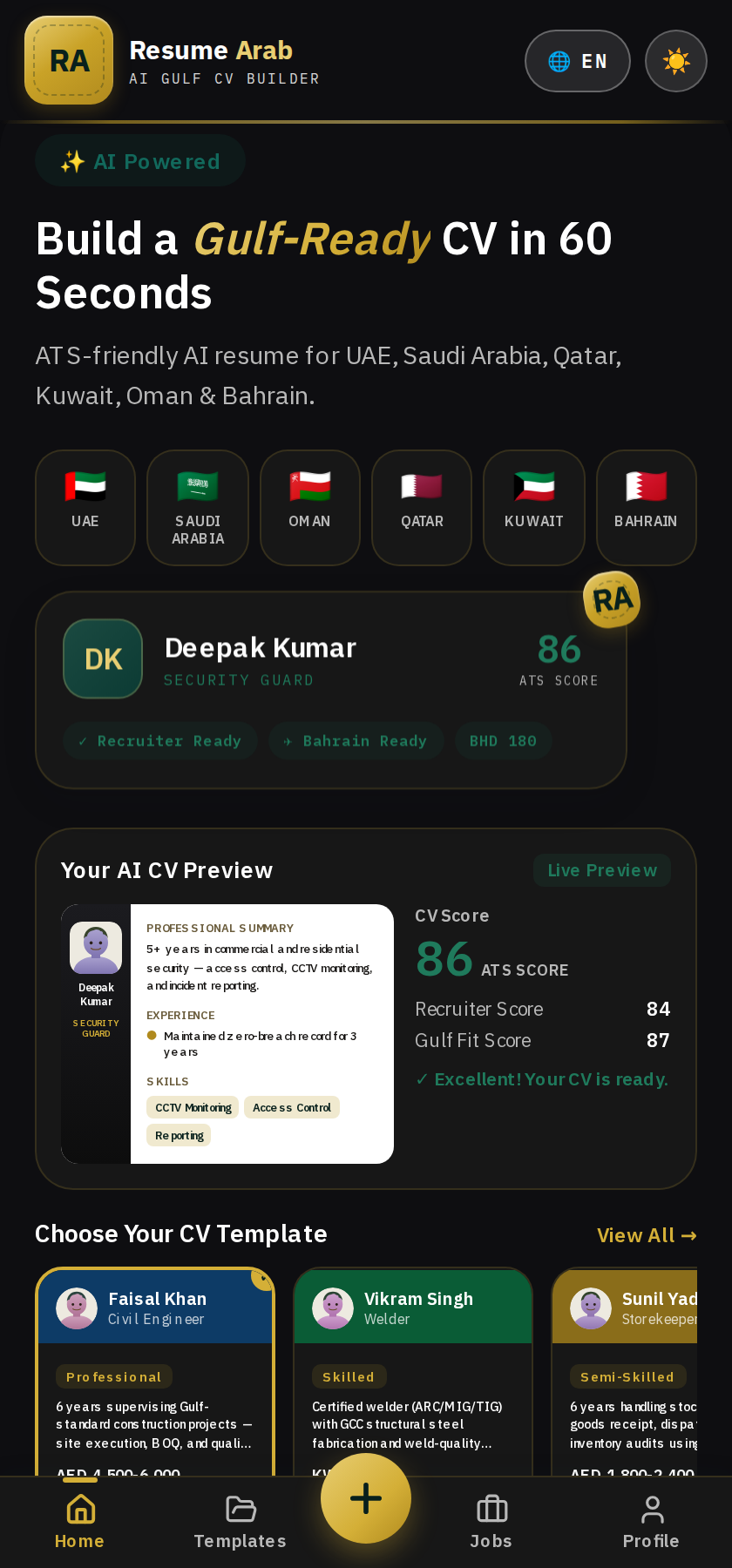
"CV in 60 seconds" sounds like a marketing line. This article breaks it down step by step — with real screenshots from the app — so you can see exactly how it actually works.
Step 1: Select Your Trade (5 seconds)
First, choose your trade from 500+ options. This is the most important step, since the AI writes content based on it.
Step 2: Fill a Short Wizard (30-40 seconds)
Name, experience, contact details, and a few trade-specific questions — like "which systems have you worked on" for an Electrician, or "license category" for a Driver. All fields are short — you're not writing an essay.

Don't feel like typing? Use Voice AI — tap "Tap to Speak" and fill it all by talking instead.
Step 3: The AI Generates Content (10-15 seconds)
This is where the real work happens — the AI takes your trade, experience, and details and writes a professional, keyword-optimized CV. This isn't a generic template — it's content genuinely written based on your inputs.
Step 4: Check Your Score
As soon as the CV is built, three scores appear:
- ATS Score — will the CV pass automated screening systems
- Recruiter Score — will it read well to a human recruiter
- Gulf Fit Score — does it specifically match what Gulf employers expect
If the score is low, it also shows you where to improve.
Step 5: Download or Share
Download the PDF, or send it directly via WhatsApp/email — no extra steps.
Total Time: ~60 Seconds (Typical)
This is an average — if your trade is complex or you want to add extra detail, it may take a bit longer. But the core flow is genuinely fast — no 10-page form to fill.
Why It's This Fast
Because the AI does the writing — you only need to provide the facts (trade, experience, details). Building sentences, formatting, finding the right keywords — the AI handles all of that.
FAQs
Q: Does building it fast mean lower quality? No — it's fast because the AI writes it, not a human typing slowly. The content is still genuinely trade-specific.
Q: What if I want to change something? Every field can be edited even after the CV is generated.
Try it yourself — see your CV in 60 seconds.